/// DECRYPTING YOUR OWN WPA2 TRAFFIC IN WIRESHARK
Decrypting your own WPA2 traffic in Wireshark
Give Wireshark the passphrase and your own capture turns into readable traffic. What you need first, what you get after, and what WPA3 refuses to hand over.
A monitor mode capture is mostly noise: beacons, management frames, and encrypted data you cannot read. It is the digital equivalent of taping a conversation through a wall and getting a very detailed recording of the wall.
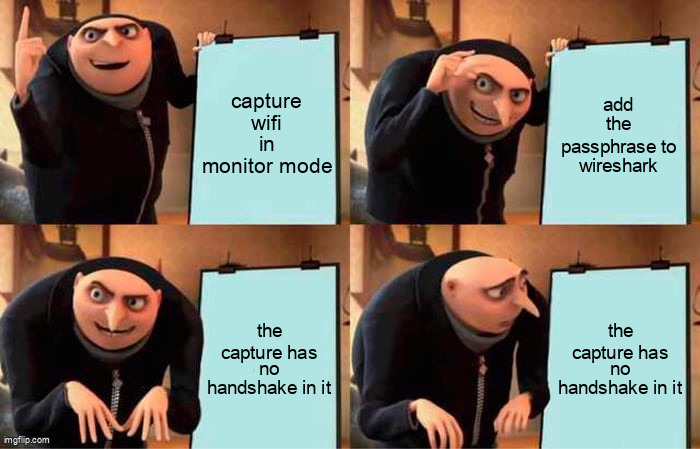
Wireshark will decrypt your own WPA2 traffic if you give it the passphrase and the capture contains the handshake. Miss either one and you have a very expensive screensaver. The gap between those two conditions is where most people get stuck.
What you need before you start
- A capture that includes the four-way handshake for the client you care about. If you started capturing after the phone connected, the keys were negotiated before you arrived and the file contains nothing to derive them from.
- The SSID and passphrase, or the raw 32 byte PMK.
- Monitor mode on an adapter that supports it. The ESP32 can do it, and a laptop adapter is easier. The capture tips cover the setup.
The handshake itself is explained here. The short version: the passphrase is not the session key. Wireshark stretches the passphrase and SSID into the PMK with PBKDF2, then uses the nonces from the handshake to derive the pairwise key for that session. No handshake, no nonces, no decryption.
Doing it
Open Preferences, then Protocols, then IEEE 802.11. Tick enable decryption and press Edit to add a key. Two forms are useful:
wpa-pwdwithpassphrase:SSIDwpa-pskwith the 64 character hexadecimal PMK
Include the SSID. Wireshark can sometimes guess it from the capture, and sometimes it guesses wrong, and then you spend twenty minutes wondering why the key does nothing. Apply, and frames that were encrypted become 802.11 data with a decoded LLC and IP layer. Normal filters start working again: ip.addr, dns, http.
What you will and will not see
You will see unicast traffic for every client whose handshake is in the file. Broadcast and multicast use the group key, which Wireshark can also derive from the handshake, so those open up too.
You will not see traffic from clients whose handshake you did not capture. On your own network that is a temporary inconvenience. On someone else’s network it is the line you should not cross, and the lab rules are the fence.
PMF protected management frames stay protected even after decryption. That is the entire point of PMF, and it is why enabling it changes what a passive observer can learn.
WPA3 and SAE traffic cannot be decrypted this way. There is no shared passphrase path from a capture to the PMK, which is the improvement the SAE post describes.
The application layer is still yours to lose
Decrypting wifi gets you to IP. It does not get you past TLS. If the decrypted stream shows plaintext HTTP, that is a finding about the website, not about wifi. The lesson is the one HTTPS has been shouting for years: an encrypted transport does not make an application secure, and a decrypted transport does not make a secure application readable.
A clean workflow
- Start the capture in monitor mode before the client connects.
- If you missed the handshake, reconnect the client and capture the join.
- Save as pcapng. Do not work on the live file.
- Filter
eapolto confirm the four messages are present. - Add the key, then switch to normal IP filters.
- Stop the capture before you walk away. A forgotten monitor interface fills a disk quietly.

The thing worth taking away
The handshake is the whole key. A capture taken at the wrong moment is a pile of bytes, and a capture taken at the right moment is your entire session in plaintext up to the TLS layer. That asymmetry is why forcing a reconnect is a real attack step, and why the PMKID shortcut matters: it removes the need to wait for a client at all. Understand it on your own gear and the rest of the series stops being theory.